 KADS
KADS
Your ad accountsAll your ad accounts.
All your ad accounts.
One place to manage them.
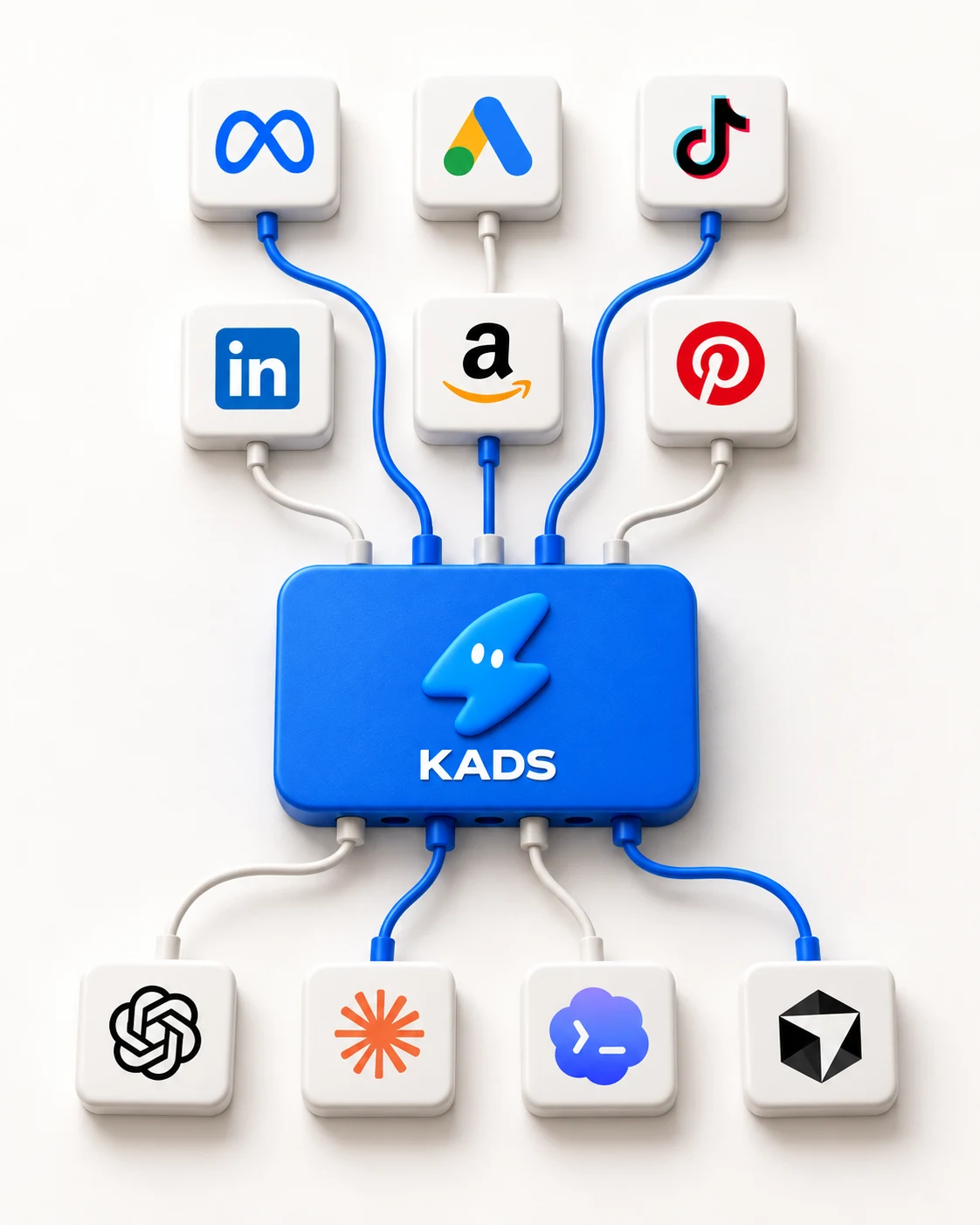
Connect the platforms you use to see campaigns, spending and results together. Manage them with your AI assistant or the KADS dashboard.
Connect your ad accounts, compare results and prepare campaign changes with Claude, ChatGPT or Ember, the assistant built into KADS. You choose which accounts they can access and which changes go live.
Choose your AI assistant: Claude
 ChatGPT
 Claude Code
 Codexand 18 more
See how much you spent and what your ads achieved. KADS brings results from your connected accounts into one report, so you can compare campaigns and platforms.
See each account’s currency and how long it counts results after an ad click or view. Check these details before comparing performance.
Save the filters and columns you use regularly. Open the same report whenever you or your team need it.
See budget and campaign changes alongside your results. When performance changes, check what your team adjusted and when.
Built for these ad platforms
 Meta
Meta Google Ads
 TikTok
 Snapchat
 Pinterest
 LinkedIn
 Reddit
 Amazon Ads
 X
X ChatGPT Ads
 Apple Ads
 Outbrain
Connect the platforms you use to see campaigns, spending and results together. Manage them with your AI assistant or the KADS dashboard.
Allow your assistant to view reports. You can also give it permission to make campaign changes, and revoke its access at any time.
Check proposed budgets, campaign settings and ads before approving them. An assistant that can view reports cannot change your campaigns unless you give it permission.
Draft your audience, budget and ad content. Review the campaign before you start spending.
Ember is the AI assistant inside KADS. Ask what changed in your results, or have it draft a budget adjustment for review.
Ask how TikTok compared with Meta last week. See spending and results side by side.
Choose from 22 setup guides. Each one shows how to connect KADS and gives you a first question to try.
ClaudeConnect KADS and ask why each purchase cost more last week.ChatGPTCompare spending across your accounts and prepare a budget change in your chat.Claude CodeBuild campaign reports and prepare your next launch while you work on your code.CodexBuild a reporting tool that brings your ad accounts together. CursorAdd campaign reports and advertising controls to the app you’re building.
 Other AI assistantsConnect another supported AI assistant. Choose the accounts it can access and what it can do.
Also: OpenAI dots, Claude Cowork, Gemini, OpenClaw, Hermes Agent, Grok Bot and more.
See all setup guidesBring your Meta, Google, TikTok and other ad accounts into KADS. Compare spending and results, then prepare changes for the campaigns that need attention.
Ask what worked last month, then use those results to draft your next campaign. Review the audience, ads and budget in KADS before launch.
KADS brings campaign reports and controls together for your team. Compare results across platforms, decide what needs attention and prepare your next changes.
Whether you run one store’s ads, build an ads product or manage forty clients.
Marketers
Ask Claude, ChatGPT or Ember to compare spending and results. Prepare budget updates and review them before applying them.
Developers
Add campaign reports and advertising controls to your app. Your users connect their ad accounts, and the KADS API lets your app work with them.
Agencies
Group accounts by client and choose who can view reports, connect accounts or make campaign changes.
Checkout is not open yet. Prices and features may change before launch. Paid plans will include AI assistants and automation.
Connect your ad accounts and explore Kads.

For anyone running ads on more than one platform.
Manage client accounts with your team.
Choose when KADS should pause an ad or adjust a budget. Set spending limits or performance targets for your connected accounts.
Learn about campaign rules


